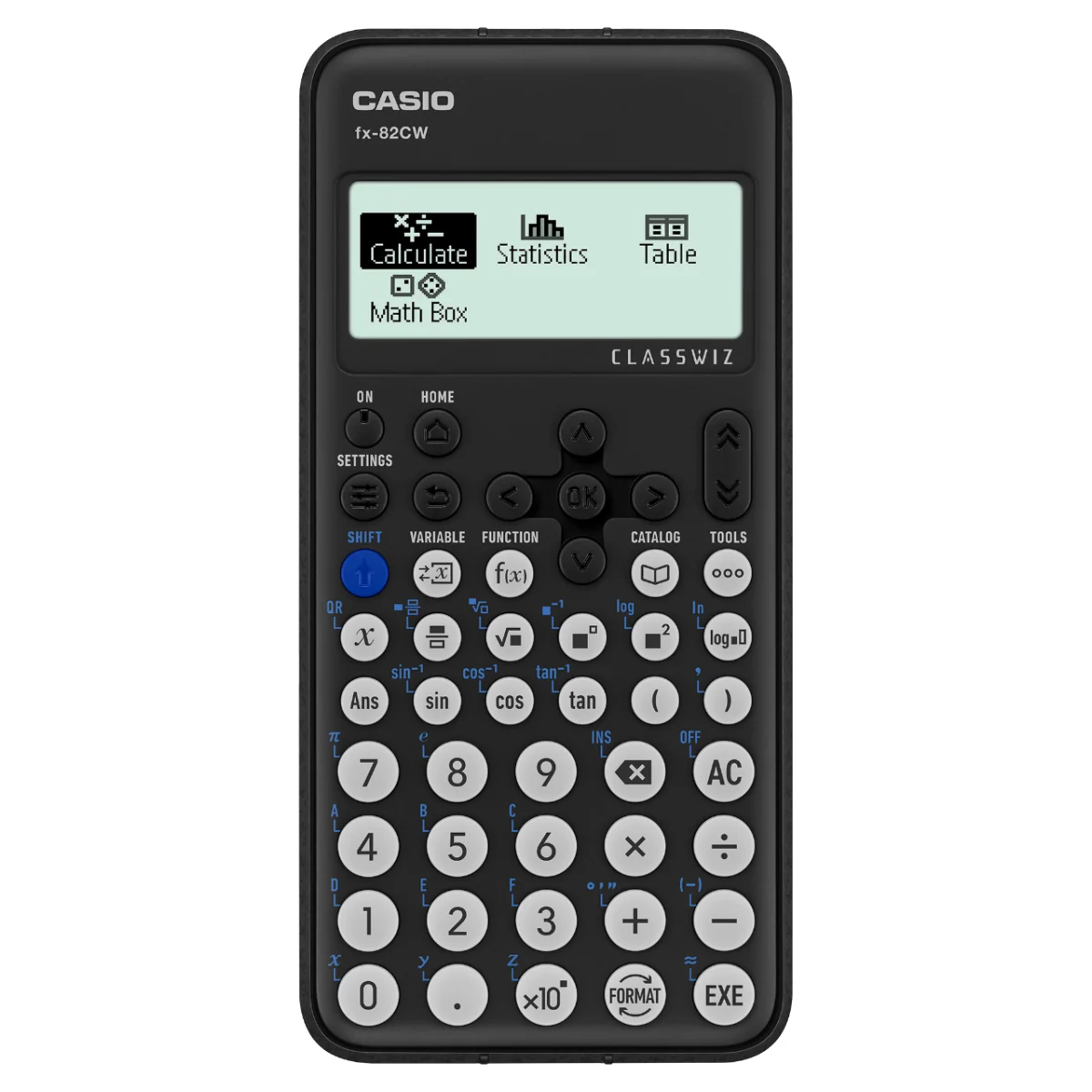
Description
The Casio fx-82CW ClassWiz is a non-programmable, non-graphing scientific calculator designed to support everyday learning in mathematics.
Explore the Casio fx-82CW features
A clear, high-resolution display
The four-level display highlights the current input, helping you follow each step of a calculation.

Natural Textbook Display
Fractions, roots and other expressions can be shown in a familiar textbook-like layout, making equations easier to read.

Simple cursor navigation
Move through menus and calculations using the directional keys, with a layout designed for a natural sequence of operations.

Choose the right calculator app
Use Calculate for general calculations, Statistics for statistical and regression work, and Table to create a number table from one or two functions.

Illustration shows the fx-991CW screen; available apps and screens vary by model.
Math Box: learn probability
Explore probability using the Dice Roll and Coin Toss simulations in Math Box. Screen displays may differ from the final product.

Online visualization service using QR codes
Turn supported calculator data into a QR code and use a smartphone or tablet to view and explore graphs online. The fx-82CW itself is a non-graphing calculator.
1. Input data

2. Generate and scan the QR code

3. View the graph on your smart device

4. Analyze the graph

Catalog: find commands and functions
The Catalog menu groups available commands, functions and symbols according to the current calculator app and settings.

Function memory: save f(x) and g(x)
Store functions in f(x) and g(x) memory, then use them to create a number table in the Table app.

Variables: store and reuse values
View the variable list, save values to variables and recall saved values for calculations across apps. The fx-82CW has nine variables.

Casio feature illustrations are examples from the ClassWiz series; some show other models or screens and may differ from the fx-82CW.
Specifications
- Model: Casio fx-82CW, ClassWiz CW Series
- Type: non-programmable, non-graphing scientific calculator
- Display: 10 + 2 digits; high-resolution dot matrix, four gradations, natural textbook display and icon menu
- Memory: nine variables, answer memory and function memory
- Calculation features: fractions, percentages, trigonometry, logarithms, statistics and regression, number tables, and Math Box simulations
- Other features: QR code, replay, undo, automatic power off and two-key rollover
- Power: one AAA (R03) battery; approximate battery life two years
- Dimensions: 162 × 77 × 13.8 mm (depth × width × height)
- Approximate weight: 100 g
- Accessory: hard case


Reviews
There are no reviews yet.